Your entire workday.
In one place.
EMP Companion gives field employees one clear mobile experience for priorities, assignments, communication, inventory, photos, time, expenses, and everything needed to complete the day.
Open the day. Know what matters. Start working.
Instead of navigating a collection of modules, employees see a focused view of the work, communication, and changes that require attention now.
Today's Priorities
Assignments, deadlines, route changes, and exceptions are organized into a clear starting point.
Operational Updates
Messages, shipment notifications, project changes, and Action Center items appear in context.
Continue Working
Return to an active worksheet, inventory count, survey, or project without losing progress.
Finish the Day
Validate required work, submit time and expenses, and synchronize completed activity.
Every workflow leads the employee to completion.
EMP Companion presents only the steps, information, and tools needed for the current assignment—keeping the experience fast without sacrificing control.
One mobile experience replaces disconnected tools.
Employees remain inside EMP from the beginning of the assignment through completion. Every response stays attached to the location, project, product, and service history.
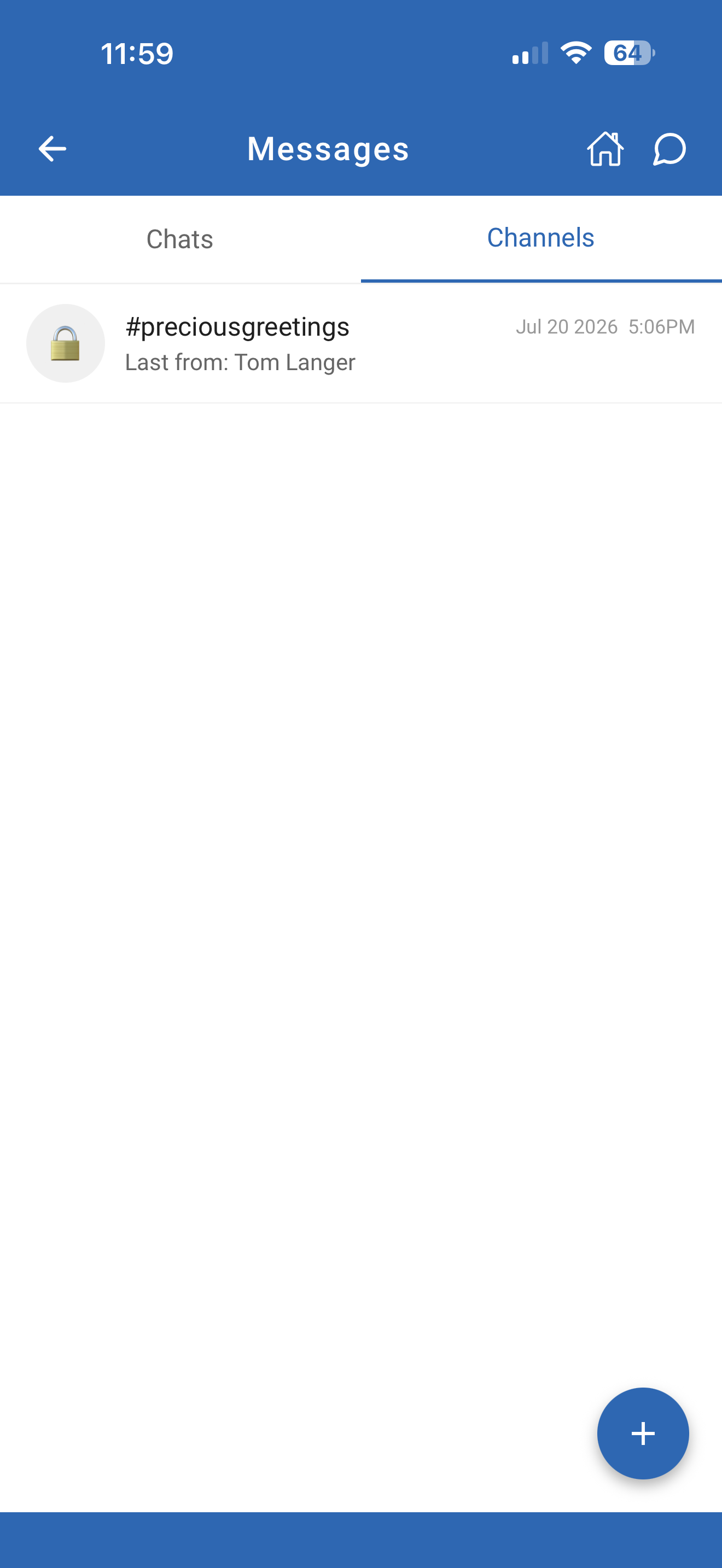
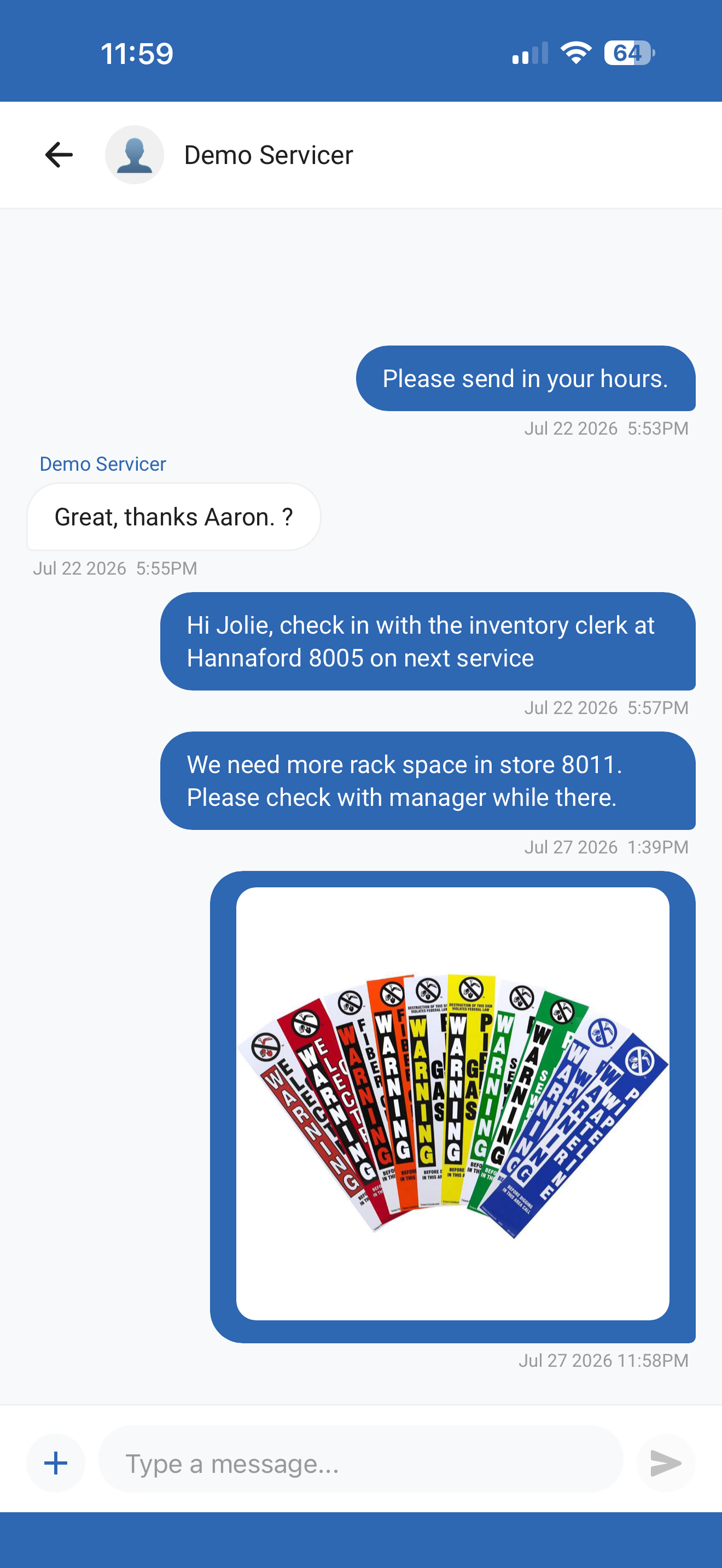
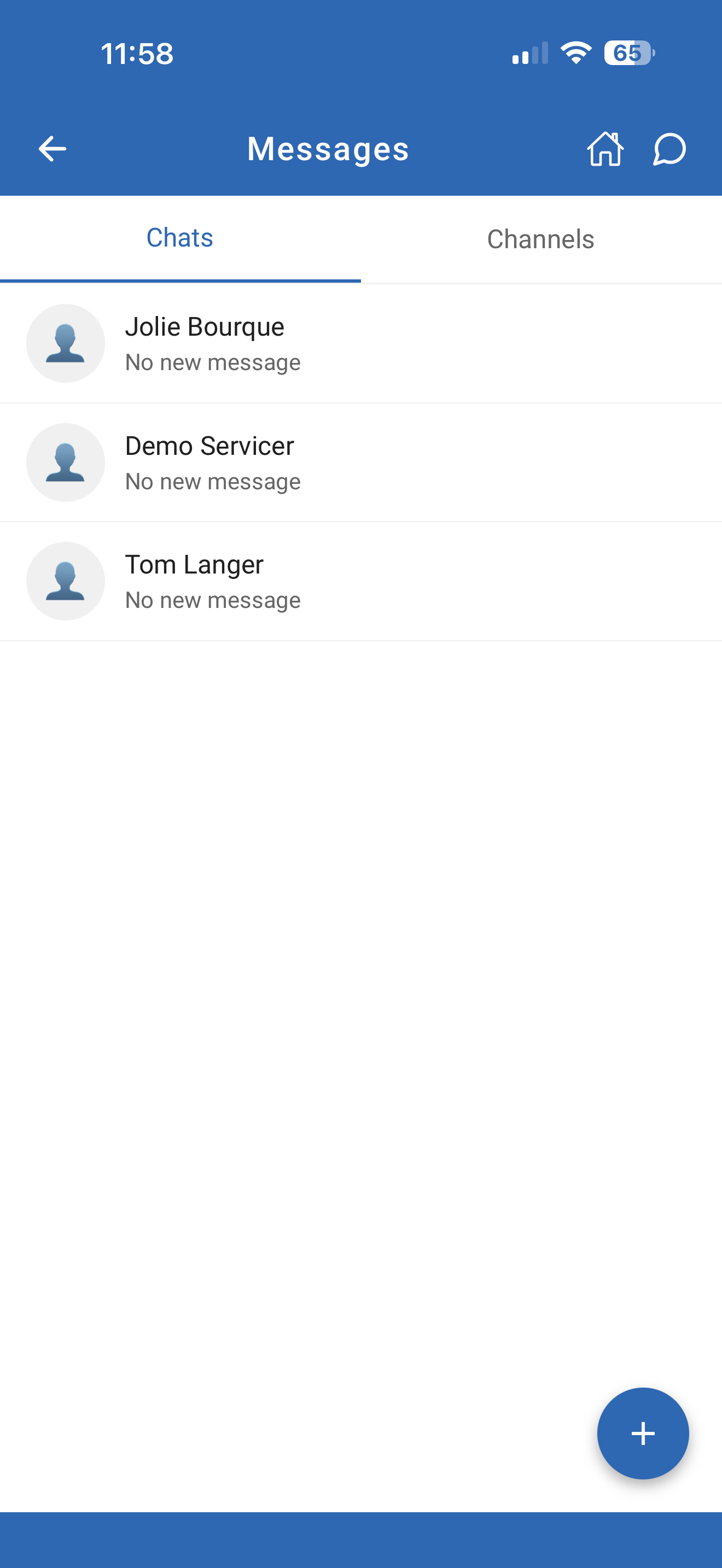
Messages belong to the work—not another app.
Direct conversations, project channels, photos, and instructions stay inside the same experience employees use to execute assignments.
The experience keeps working when conditions change.
Busy stores, remote locations, changing networks, and personal devices should not interrupt the workday.
Continue the Assignment
Keep critical forms, inventory, photos, and work instructions available when connectivity is limited.
Reconnect Without Rework
Completed activity synchronizes when service returns without requiring the employee to repeat steps.
Use Familiar Devices
Support a flexible workforce with a consistent experience across approved modern phones and tablets.
The employee experience becomes enterprise intelligence.
Every completed step, message, photo, inventory event, and exception strengthens the operational record available to management.
Action Center™
Create, receive, and resolve operational issues without losing location and project context.
EMP VisionAI™
Submit field photos for automated analysis, findings, and recommended follow-up.
EMP Intelligence™
Transform field activity into trends, priorities, predictions, and executive visibility.
Management Platform
Give managers immediate visibility into progress, exceptions, communication, and outcomes.
One application. One workday. One connected operation.
Simple enough for the field. Powerful enough for the enterprise.
Discover more of the EMP platform.
Each product is powerful on its own. Together, they create one connected operating system.