Powerful behind the scenes. Simple in the field.
Every assignment, conversation, project, inventory update, and action—connected in one experience designed around the employee’s day.
The employee opens their day—not a collection of modules.
EMP organizes work around what needs attention now. Assignments, communication, inventory, photos, surveys, time, expenses, Action Center, and VisionAI stay connected inside one mobile experience.
Start the Day
See priorities, assignments, route changes, shipments, and new instructions immediately.
Complete the Work
Follow guided workflows for inventory, surveys, photos, signatures, and service verification.
Stay Connected
Use direct messages and channels without leaving the field workflow or switching applications.
Finish Strong
Validate required steps, synchronize automatically, and give managers immediate visibility.
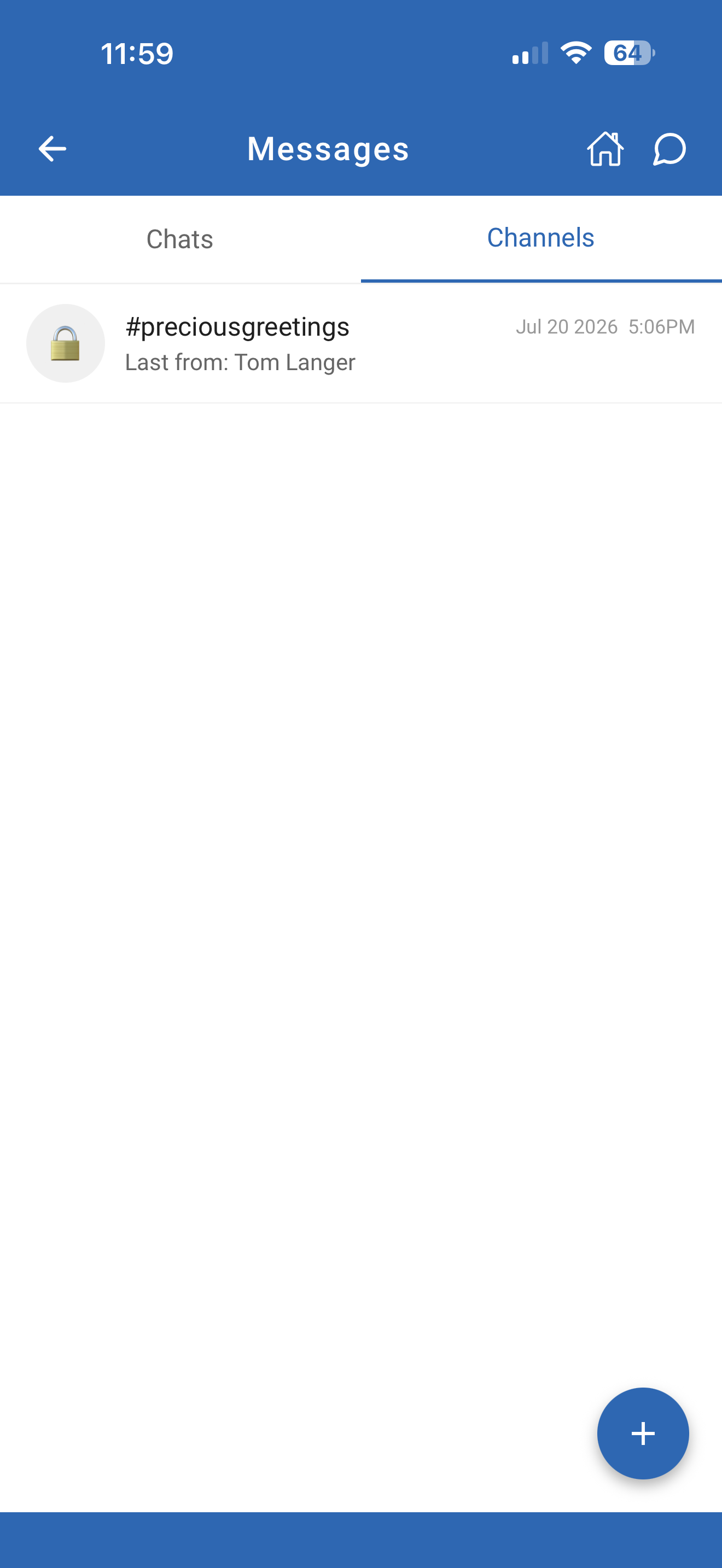
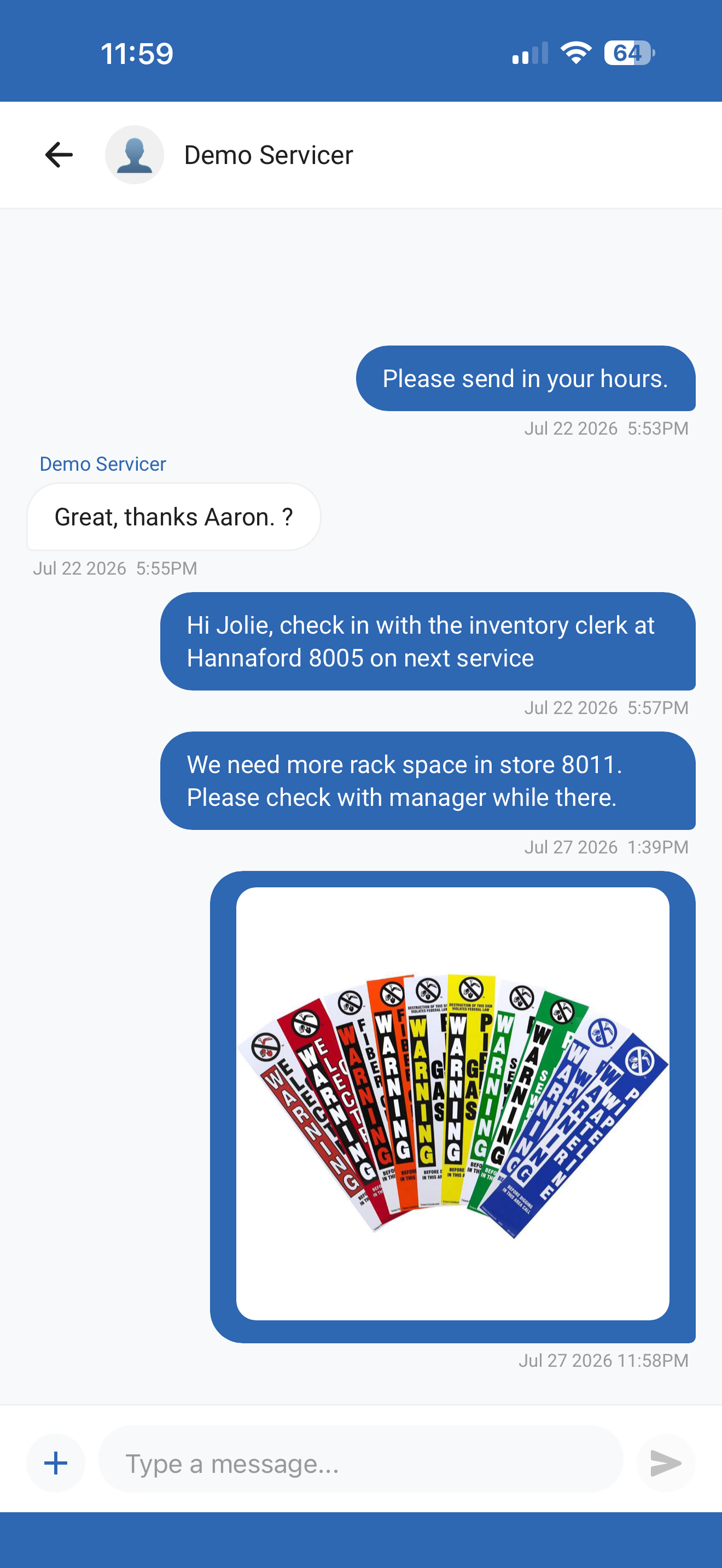
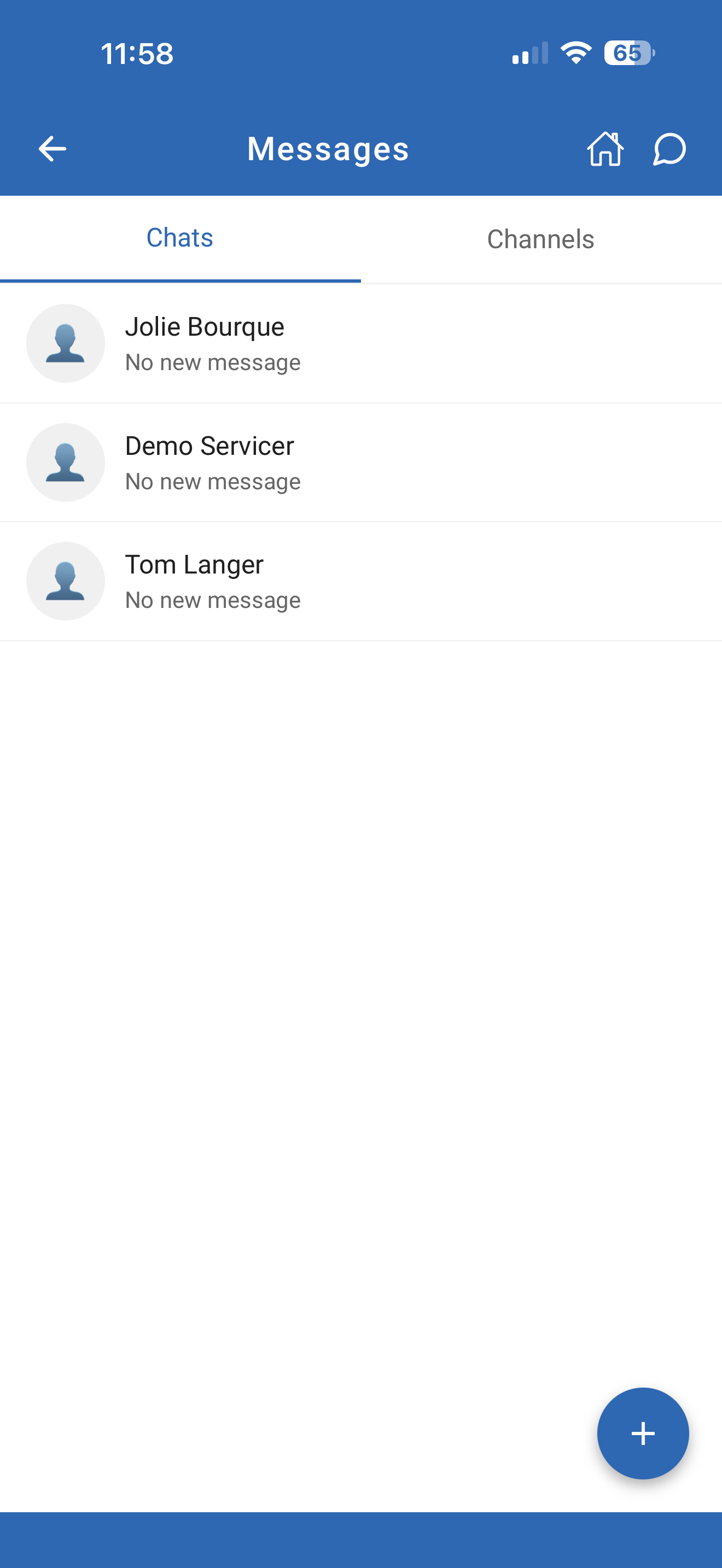
Communication that moves work forward.
EMP messaging is not separate from execution. Instructions, photos, project discussions, and store-specific updates stay connected to the people and work they support.
The field does not stop when the signal does.
EMP keeps critical work available through changing network conditions, remote locations, busy stores, and unpredictable field environments.
Continue Working
Assignments, forms, inventory, and photos remain available when connectivity is limited.
Reconnect Automatically
Completed work synchronizes when service returns without requiring employees to repeat steps.
Use Familiar Devices
Support a flexible workforce with a consistent experience across approved modern devices.
Seasonal Reset
One project. One shared view. Any number of employees.
Large resets, installations, and service projects rarely belong to one person. EMP lets multiple employees work together while management sees one coordinated project instead of disconnected worksheets.
One employee action becomes enterprise visibility.
No exports. No disconnected texts. No rebuilding the story after the work is done. Information moves through the platform while the employee keeps working.
A better field experience creates better operational outcomes.
When employees know what to do, have the tools to do it, and stay connected to the organization, the entire operation becomes more consistent, measurable, and scalable.
Faster Adoption
A clear mobile experience reduces training time and helps employees become productive sooner.
Better Execution
Guided steps and completion checks create more consistent service across every location.
Less Administration
Information stays connected to the work instead of being reconstructed from calls, texts, and email.
Greater Visibility
Managers see progress, collaboration, inventory, communication, and issues as work happens.
One experience. Every employee.
Everything employees need. Everything managers need. Connected by one platform.
Discover more of the EMP platform.
Each product is powerful on its own. Together, they create one connected operating system.